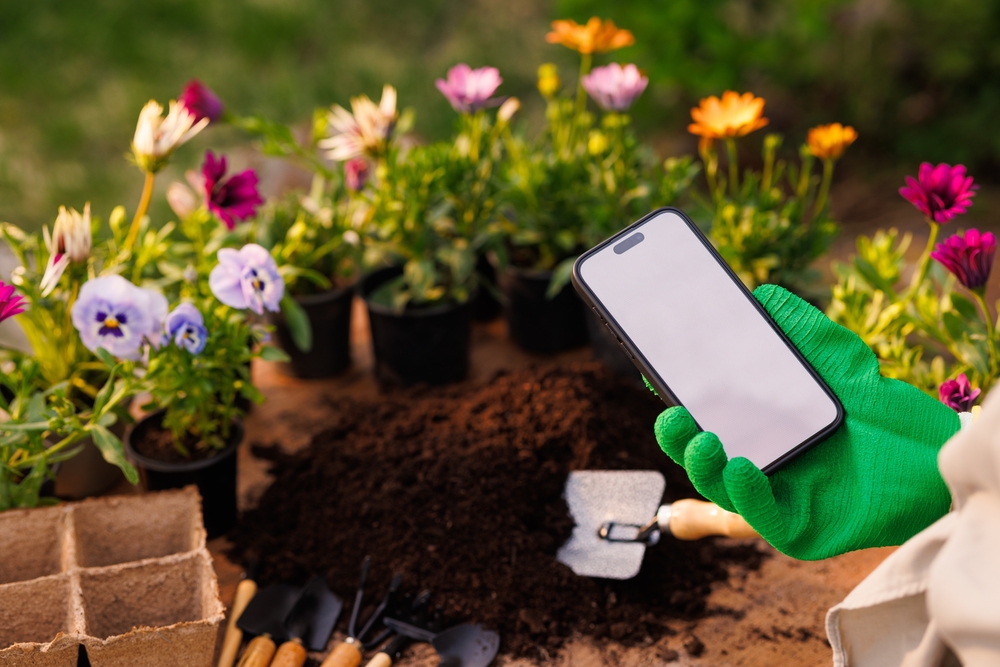
Spring makes gardeners feel unstoppable right up until a warm week, a windy day, and one missed watering knocks plants sideways. If you’ve ever watched seedlings flop overnight or seen pots dry out faster than you thought possible, you’re not alone. The good news is you don’t need fancy sensors or expensive gadgets to get ahead of the chaos. A free app like Planta (with optional paid upgrades) can help you notice problems earlier, remember what you planted where, and time the small fixes that prevent big losses. Planta is free to download and use, so you can start with the basics and only upgrade if you actually need the extras.
Why Spring Is When Gardens Crash Fast
Spring weather swings from chilly to hot in a hurry, and plants struggle when conditions change faster than their roots can keep up. Soil that felt moist yesterday can turn powder-dry after one sunny afternoon with wind. New transplants are especially fragile because they haven’t built the root system that helps them bounce back. Pests also wake up hungry, and they love tender new growth more than anything in the yard. The fastest way to save a struggling plant is to catch the stress early, before it becomes a full collapse.
How A Free App Spots Trouble Early
A free app helps by turning random garden “check-ins” into a quick routine you can actually stick with. Instead of guessing when you last watered or fertilized, you can see it at a glance and avoid doubling up by accident. In Planta, you can build a care schedule that nudges you to do small tasks before plants hit the “point of no return,” which is what spring chaos loves to exploit. If you’re unsure what a symptom means, use the app’s photo notes to compare “today vs last week” and spot decline sooner. When you pair tiny reminders with quick observations, you start fixing small problems on Tuesday instead of mourning plants on Saturday.
Set Up A Simple Garden Map In 10 Minutes
Start by making a basic map with rough zones like “front bed,” “back raised bed,” and “containers,” because perfection isn’t the goal. Add what you planted and when, even if it’s just “tomatoes, mid-March” or “zinnias, seed packet.” Include sun notes like “morning sun” or “hot afternoon,” since that explains a lot of mystery stress later. Any free app is only as helpful as the info you give it, so keep entries short and consistent rather than detailed and exhausting. This quick setup pays off when you’re standing outside wondering, “Wait, what did I put here again?”
Use Weather Alerts Without Obsessing
The easiest spring losses often come from one surprise cold night or one early heat wave, not a slow decline. Turn on your phone’s local weather notifications, then pair them with your plant reminders so the alert turns into an action. When a frost warning pops up, you’ll know exactly which seedlings or containers need covering or moving because you already logged where they live. A free app also helps you write a one-line note like “covered peppers with a sheet,” so you remember what worked the next time spring gets dramatic. Weather alerts aren’t meant to create anxiety—they’re meant to prevent the “I didn’t see that coming” heartbreak.
Build A Watering Routine That Adapts
A lot of spring watering mistakes come from using the same schedule no matter what the week looks like. Use reminders like “check soil moisture” instead of “water everything,” because plants don’t all need the same amount. If you’re unsure, push a finger into the soil a couple inches and water only when it’s dry at that depth. Containers deserve their own rhythm because they dry out fast once days get longer and breezes pick up. With a free app keeping your check-ins consistent, you’ll stop watering on autopilot and start watering based on what your plants are actually doing.
Log Pests And Diseases Like A Detective
Spring pests love to show up the moment you finally relax, and they rarely announce themselves politely. Track the first signs you notice—sticky leaves, holes, curled tips, or speckled discoloration—so you can connect patterns across the season. If you can add photos, take quick snapshots of the same plant angle each time to see whether it’s improving or getting worse. Notes also help you remember what you tried, so you don’t repeat the same ineffective spray or timing mistake. Even a basic free app log can save you money because it keeps you from panic-buying three “fixes” when one simple step would’ve worked.
The One Habit That Keeps Plants Alive
If you only do one thing, do a two-minute daily scan, and let a free app keep that habit from slipping through the cracks. Walk your beds, check the thirstiest spots first, and look for the earliest signs of stress before you grab tools or fertilizer. Use your notes to make one small move—shade a pot, pinch off damaged leaves, water deeply, or cover from cold—then stop there. Consistency beats intensity, especially in spring when little changes add up fast. When you treat your garden like a quick daily check instead of a weekly emergency, you’ll save more plants with less effort.
What’s the one spring garden problem you wish you could catch earlier—thirst, surprise cold snaps, pests, or something else?
What to Read Next…
Is Early Garden Mapping the Key to Higher Yields on a Budget?
Gardeners: Do These February Prep Steps Now for a Healthier, Easier Spring
Is Taking Clippings From Plants In A Store Illegal?
Gardeners Are Buying Seeds Earlier to Avoid Spring Shortages
What Happens to Plants If You Use Enviro Ice on Them?

Catherine is a tech-savvy writer who has focused on the personal finance space for more than eight years. She has a Bachelor’s in Information Technology and enjoys showcasing how tech can simplify everyday personal finance tasks like budgeting, spending tracking, and planning for the future. Additionally, she’s explored the ins and outs of the world of side hustles and loves to share what she’s learned along the way. When she’s not working, you can find her relaxing at home in the Pacific Northwest with her two cats or enjoying a cup of coffee at her neighborhood cafe.
Leave a Reply